
Start with the league or competition
No single app owns every NFL, NBA, MLB, NHL, soccer, combat-sports or college event. Rights can change by season and may differ between national and local games. Start with the official league schedule, then confirm the listed US broadcaster and streaming service.
English and Spanish coverage
Some events offer separate English and Spanish broadcasts. Telemundo, Universo, Peacock and ViX are important Spanish-language options for selected sports and football rights, while English coverage may be on FOX, ESPN, CBS, NBC, TNT or league platforms. Confirm the exact event before subscribing.
Try 4KSubs Free for 12 Hours First
Before choosing a plan, you can test 4KSubs on your Roku, Fire TV, Smart TV, Android box, phone or tablet. Check the channels, streaming quality and setup first, then continue only if it works well for you.
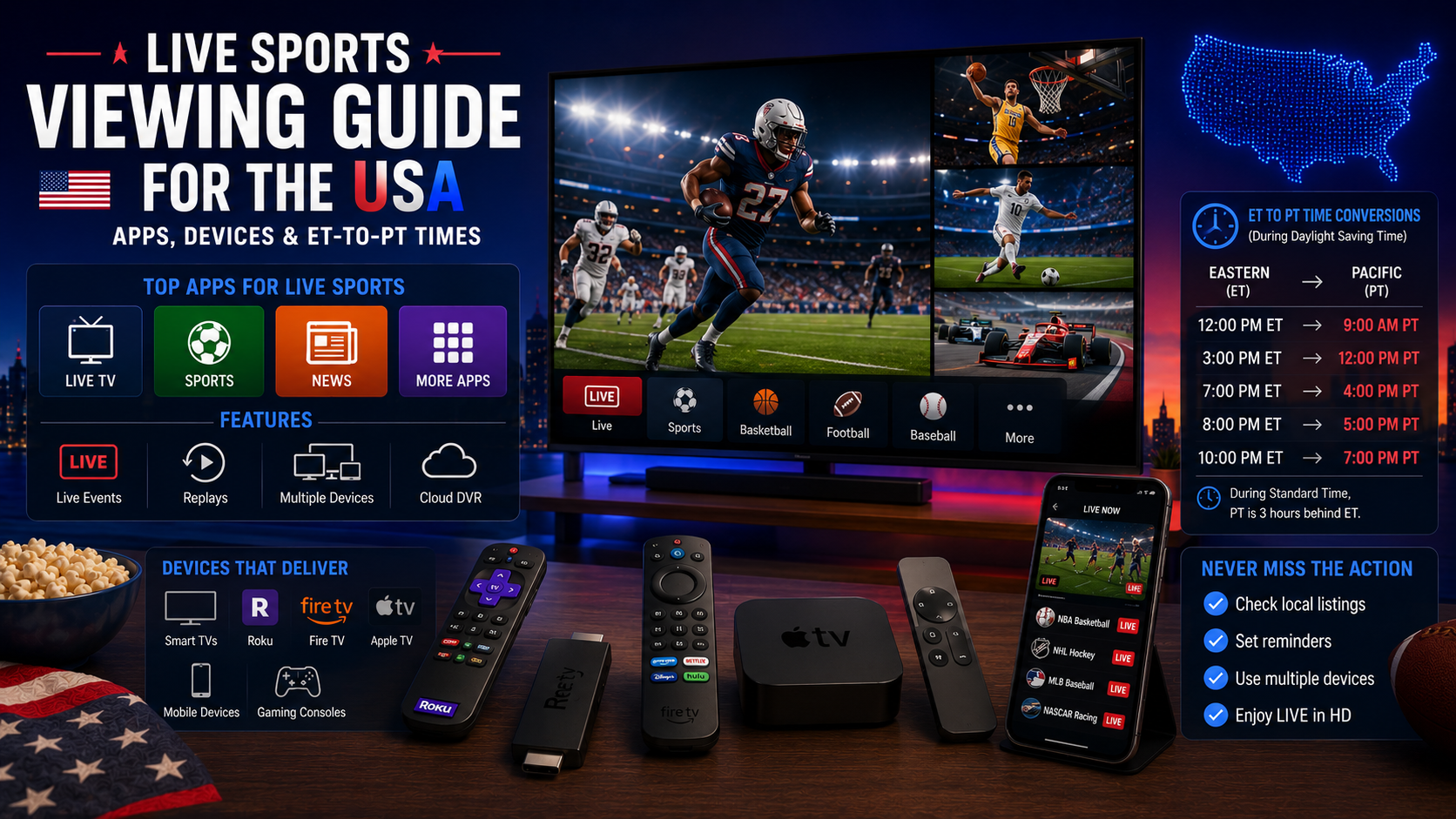
US time-zone conversion
| Eastern Time | Central | Mountain | Pacific |
|---|---|---|---|
| 1:00pm ET | 12:00pm CT | 11:00am MT | 10:00am PT |
| 4:00pm ET | 3:00pm CT | 2:00pm MT | 1:00pm PT |
| 8:00pm ET | 7:00pm CT | 6:00pm MT | 5:00pm PT |
| 10:30pm ET | 9:30pm CT | 8:30pm MT | 7:30pm PT |
Alaska and Hawaii use additional offsets. Always check the official app's local time because daylight-saving rules and event changes can affect the listing.
Best devices for live sport
Roku
Simple app search and a wide official catalogue. Update Roku before a major event and test the exact live app.
Fire TV
Useful for older TVs. Use the mains adapter, keep storage free and clear cache only when an app fails.
Smart TV
Convenient when the official app supports the model. Use Ethernet where possible and update the TV software.
Phone or tablet
Useful as a backup. Check mobile-data use and keep the device charged.
One-hour event checklist
- Confirm the local time, language and official service.
- Open the app and verify the subscription.
- Test a live channel or current programme.
- Restart the device if it has been unstable.
- Use Ethernet or strong 5 GHz Wi-Fi.
- Pause downloads and backups.
- Check sound, captions and remote batteries.
Replays and spoiler control
Disable league and team notifications, avoid social media and open the official replay directly. Some apps show scores on the Home screen, so use a saved link or profile with notifications disabled.
Buffering during live events
Live sport cannot build a large buffer without falling behind. Lower quality to Auto or HD, close and reopen the app, pause background traffic and test another device. Follow our US buffering guide.
Subscriptions and local blackouts
Some US sports are affected by regional rights, local affiliates or blackout rules. A subscription does not guarantee every local game. Read the service terms and league schedule before paying.
Security and responsible viewing
- Use official apps and websites.
- Do not share one-time login codes.
- Review automatic renewal.
- Use purchase PINs.
- Avoid unverified streams and unknown downloads.
Related US guides
Official sources
Try 4KSubs Free for 12 Hours First
Before choosing a plan, you can test 4KSubs on your Roku, Fire TV, Smart TV, Android box, phone or tablet. Check the channels, streaming quality and setup first, then continue only if it works well for you.
Frequently asked questions
No single app permanently carries every sport. Rights differ by league, event, season and language.
Subtract three hours. A 9:00pm ET event begins at 6:00pm PT.
Check the official broadcaster, Telemundo, Universo, Peacock, ViX or the competition page for the specific event.
A supported Smart TV or streaming box connected by Ethernet is usually the most stable.
Live video cannot build a large buffer without falling behind, so Wi-Fi instability is more visible.
Disable score notifications, avoid sports news and open the official replay directly.
Need help with your device?
Send the device model, app name and issue. You can write in English or Spanish.
Contact 4KSubs