
ViX
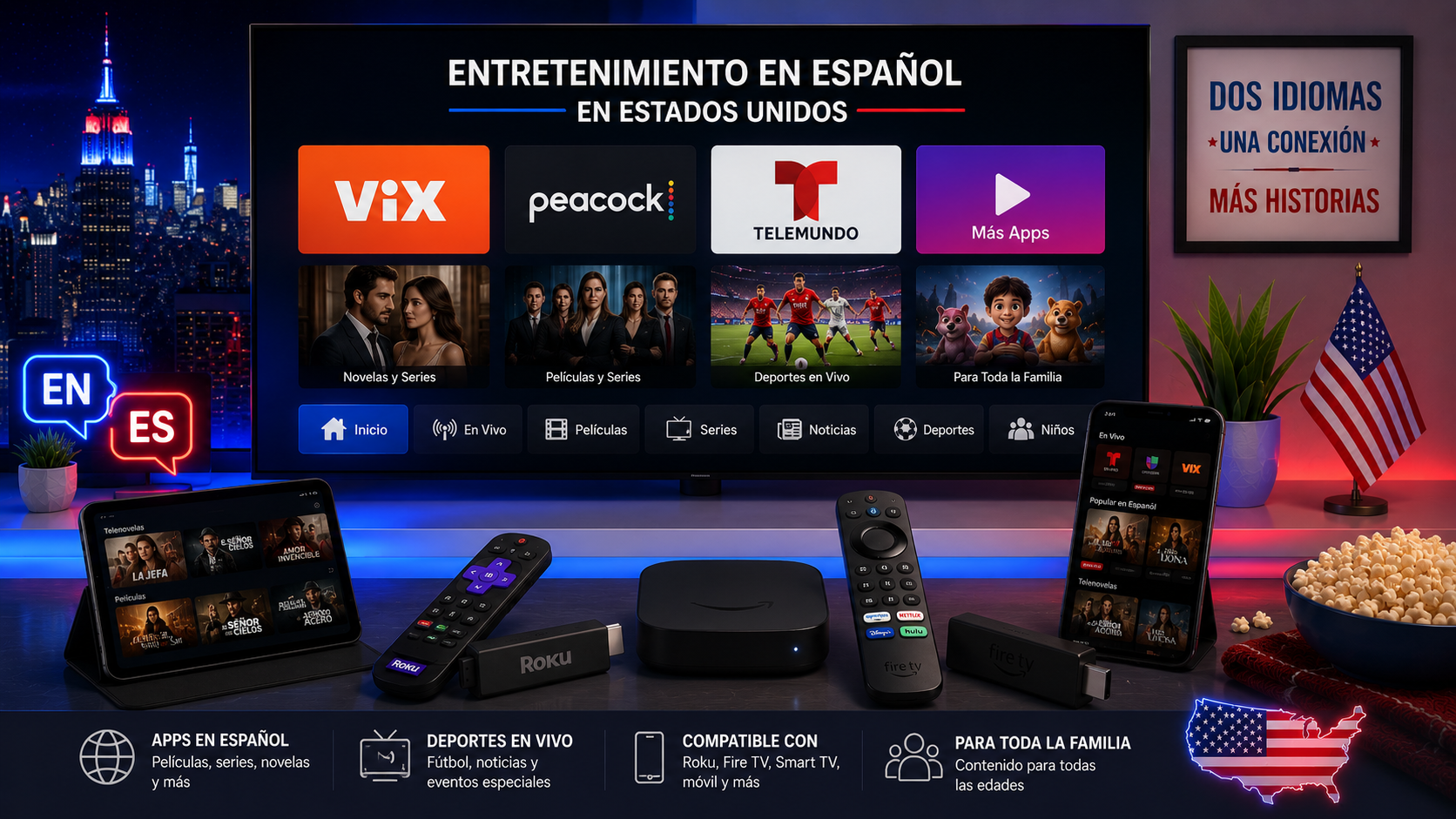
ViX focuses on Spanish-language entertainment, news and sport. It offers free and premium options, with the current price and catalogue shown for the user's location. The service supports a broad range of devices, including mobile, web, Roku, Fire TV, Android TV, selected Smart TVs, Apple TV, VIDAA and Vizio.
ViX states that an account can be used on up to 10 devices. Simultaneous streams depend on the plan, so review the current subscription terms before sharing the account across a household.
Try 4KSubs Free for 12 Hours First
Before choosing a plan, you can test 4KSubs on your Roku, Fire TV, Smart TV, Android box, phone or tablet. Check the channels, streaming quality and setup first, then continue only if it works well for you.
Peacock, Telemundo Hub and En Español
Peacock includes a Telemundo Hub and Spanish-language browsing areas. It is available in the United States and certain US territories, and the device must be physically located in a supported area.
Peacock is also the Spanish-language streaming home of the 2026 World Cup through Telemundo's coverage. Other programmes and sports depend on current rights and the selected plan.
Telemundo App and official broadcaster apps
The Telemundo App provides supported Spanish-language television and sports experiences. Some content may require a TV-provider login or a participating subscription. Install the official app and read the sign-in screen before entering account details.
Choose by content, not only language
- Novelas and entertainment: compare the current ViX catalogue and Telemundo options.
- News: use official national and local broadcaster apps.
- Football: identify the competition and current US Spanish-language rights holder.
- Family content: check profiles, age ratings and Spanish audio.
- Movies: compare dubbing, captions, ads and download support.
Device compatibility
An app may be available on Roku but not on an older Samsung television. Search the official app store before paying. When a built-in TV app is missing, use a supported external device rather than downloading an unknown installation file.
Set up Roku
- Search for the official app in the Roku Streaming Store.
- Add it and run a system update.
- Sign in through the official activation flow.
- Choose a Spanish profile or language when available.
Set up Fire TV
- Search the Amazon Appstore.
- Install the official app.
- Sign in and review subscription access.
- Use the Audio or Subtitles menu during playback.
Profiles, captions and recommendations
Create separate profiles for English and Spanish viewers where supported. Profile language can affect recommendations, but audio and subtitle availability still depends on each title.
Subscriptions and billing
- Confirm monthly or annual billing.
- Check whether the plan includes ads.
- Review automatic renewal.
- Understand simultaneous-stream limits.
- Pay through the official provider or app store.
Security
- Use unique passwords.
- Do not share one-time codes.
- Check the website domain before entering payment.
- Sign out on hotel or shared televisions.
- Review registered devices regularly.
Related US guides
Official sources
Try 4KSubs Free for 12 Hours First
Before choosing a plan, you can test 4KSubs on your Roku, Fire TV, Smart TV, Android box, phone or tablet. Check the channels, streaming quality and setup first, then continue only if it works well for you.
Frequently asked questions
ViX is a Spanish-language streaming service with free and premium content, including entertainment, news and sports.
ViX lists iOS, Android, web, Android TV, Fire TV, Roku, selected Samsung and LG TVs, Apple TV, VIDAA and Vizio.
Peacock provides a Telemundo Hub and En Español browsing options for supported US customers.
Sports availability depends on current rights and the subscription. Check the official event or league page.
ViX states that users can log in on up to 10 devices, while simultaneous streams depend on the subscription plan.
Regional availability differs. Peacock requires the device to be physically located in the United States or supported US territories.
Need help with your device?
Send the device model, app name and issue. You can write in English or Spanish.
Contact 4KSubs