
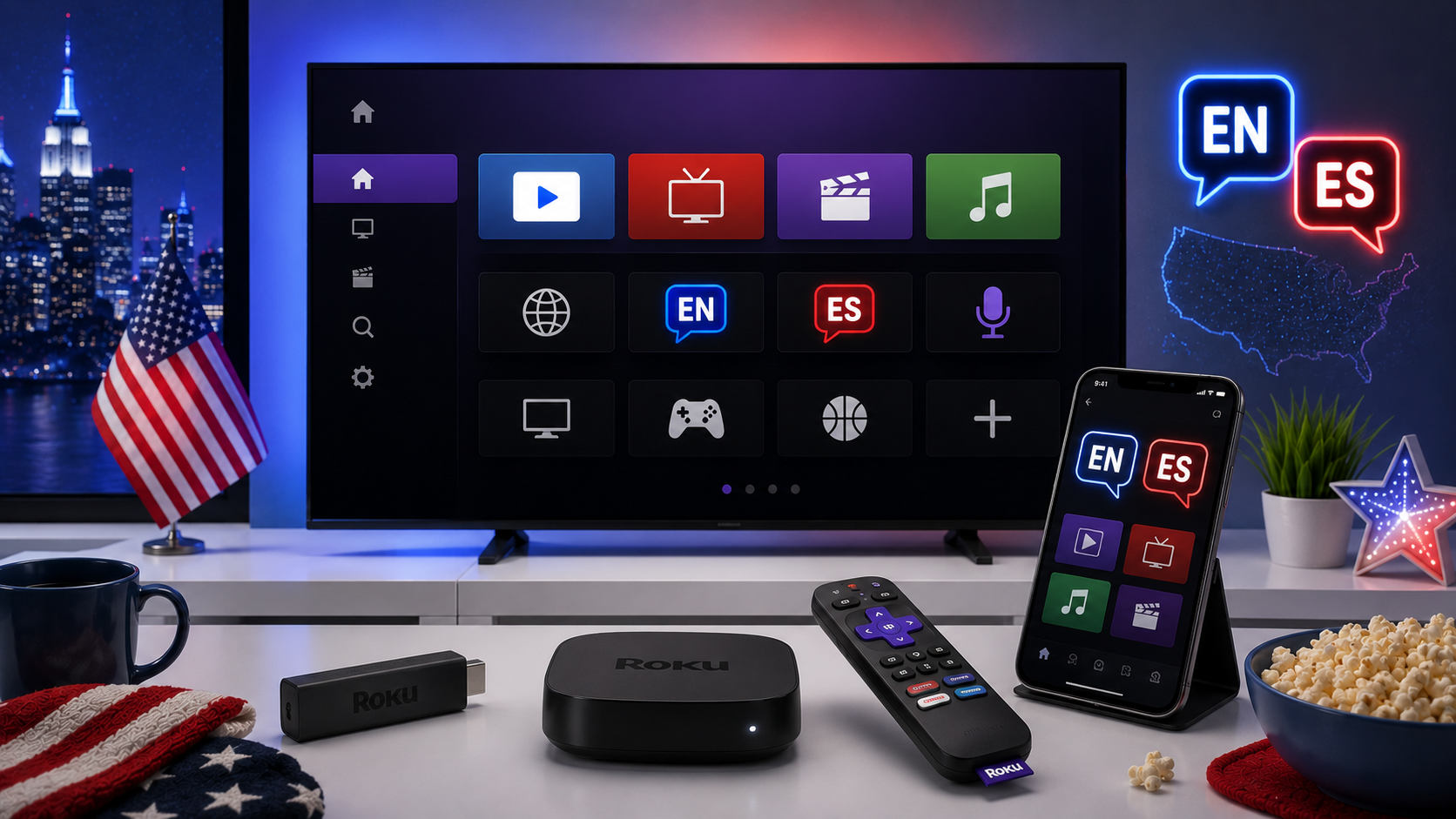
Connect and activate Roku safely
- Connect Roku to HDMI and use the supplied power adapter.
- Select the correct HDMI input.
- Choose the home Wi-Fi network and enter the password.
- Follow the official Roku activation process.
- Install the latest software update.
Use only official Roku pages when linking the device. Activation should not require payment to a random third-party support site.
Add English and Spanish apps
Roku allows viewers to search from the Home screen or browse the Streaming Store. Select the official app and choose Add App. If the app does not appear immediately, Roku support recommends checking for a system update.
A bilingual household may organise apps into a simple order:
- Local and national English-language apps
- Spanish-language apps such as ViX or Peacock's Latino content
- News and weather
- Sports and event apps
- Children and family profiles
Try 4KSubs Free for 12 Hours First
Before choosing a plan, you can test 4KSubs on your Roku, Fire TV, Smart TV, Android box, phone or tablet. Check the channels, streaming quality and setup first, then continue only if it works well for you.
Organise the Roku Home screen
Highlight an app, press the star button and choose Move App. Place the most-used English and Spanish services near the top. Remove apps no one uses so the Home screen remains easy for children, parents and guests.
Use captions and alternate audio
Captions and Spanish audio depend on the programme and app. During playback, open the app controls or press the Roku star button when supported. Look for Audio, Language, Subtitles or Closed Captions.
A Spanish interface does not guarantee that every programme has Spanish audio. Likewise, an English app can still include Spanish captions or an alternate commentary track.
Update Roku and installed apps
- Open Settings.
- Select System.
- Select System update.
- Choose Check now.
Roku normally updates automatically, but a manual check is useful before a major live event or after adding an app from the web.
Fix Roku Wi-Fi problems
Official Roku guidance recommends confirming the correct Wi-Fi network and password, moving the device closer to the router, restarting Roku and restarting the router. Compatible Roku devices can use Ethernet for a more stable fixed connection.
- Use 5 GHz Wi-Fi when Roku is close to the router.
- Use 2.4 GHz when distance and walls make 5 GHz weak.
- Do not hide Roku behind dense metal objects.
- Pause large downloads during live video.
Restart Roku without deleting accounts
Open Settings, System, Power and System restart. On models without a Power menu, use Settings, System and System restart. A restart is safer than a factory reset and often fixes slow menus or temporary app errors.
App not opening or running out of memory
Restart Roku, update the software and remove apps that are no longer used. If one service fails while others work, remove and reinstall that official app after confirming the login details.
Roku mobile app and private listening
The official Roku mobile app can act as a remote on the same network and may support private listening on compatible devices. Keep the phone and Roku on the same Wi-Fi. Use headphones at a safe volume and expect a small delay on some networks.
Choose the right app for bilingual viewing
Check the current service catalogue rather than assuming every Spanish channel is available. ViX supports Roku and several other devices in the United States. Peacock includes a Telemundo Hub and Spanish-language content. Sports rights change, so check the official competition and broadcaster pages.
Related US guides
- Spanish-language streaming apps in the USA
- US live sports viewing guide
- Fix streaming buffering on US home Wi-Fi
Official sources
Try 4KSubs Free for 12 Hours First
Before choosing a plan, you can test 4KSubs on your Roku, Fire TV, Smart TV, Android box, phone or tablet. Check the channels, streaming quality and setup first, then continue only if it works well for you.
Frequently asked questions
Search from the Roku Home screen or open the Streaming Store, select the official app and choose Add App.
Run Settings, System, System update and Check now so Roku refreshes software and apps.
Yes. Availability depends on the app, account and US region. Services such as ViX and Peacock support Spanish-language content on compatible Roku devices.
Move Roku closer to the router, confirm the correct password, restart Roku and the router, or use Ethernet on a compatible model.
Open the app playback controls and choose the available audio or subtitle track. Options differ by programme.
No. Use only the official Roku or streaming-service activation page shown by the legitimate app.
Need help with your device?
Send the device model, app name and issue. You can write in English or Spanish.
Contact 4KSubs