
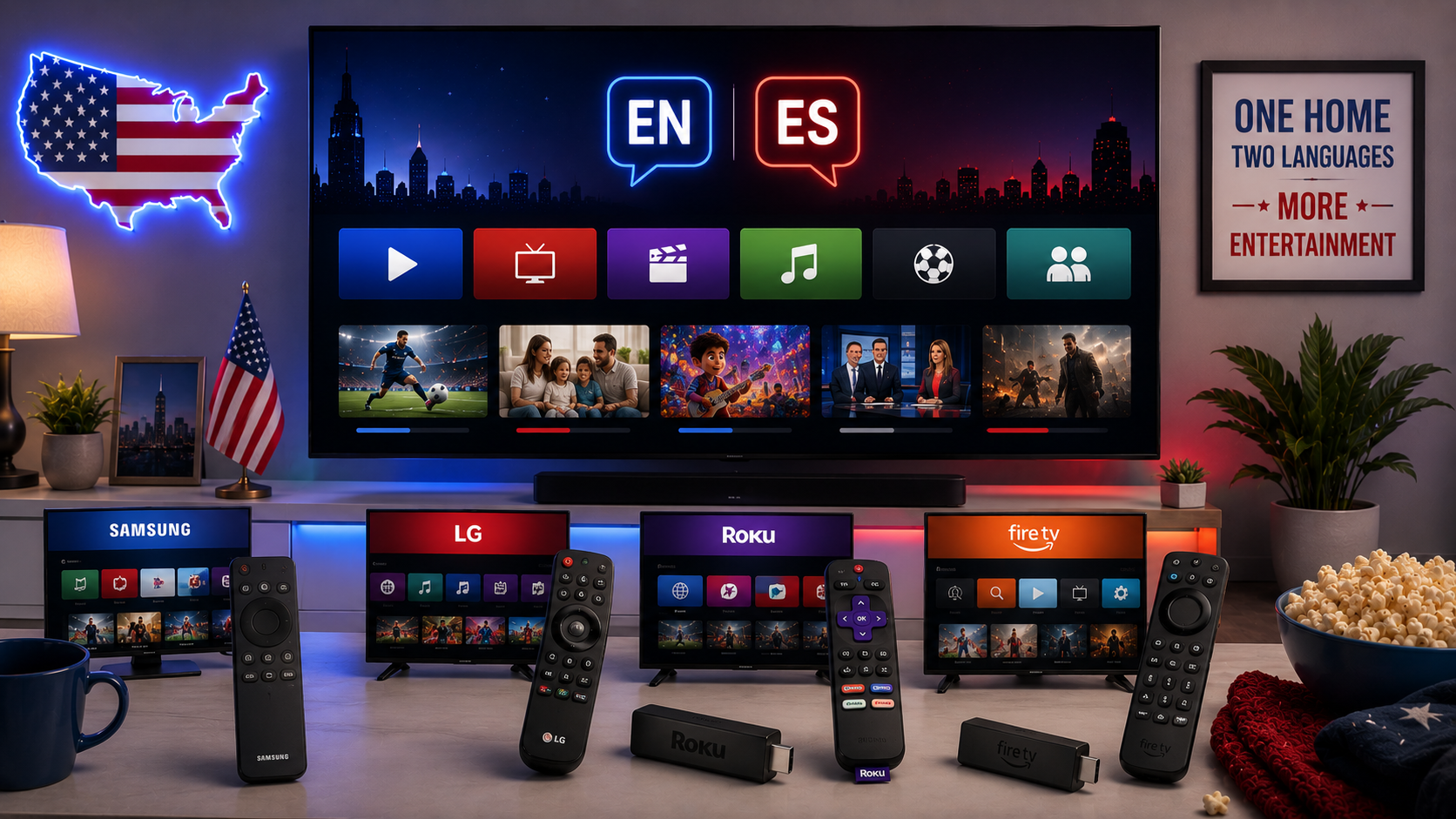
Build the setup around the household
List the programmes, languages and devices used by the family. A good setup may include a free local-news app, one general entertainment service, one Spanish-language service and one sports option. Installing every app creates clutter and can slow an older television.
Samsung Smart TV
Samsung's official support allows users to open Apps from the Home screen, install supported services and delete apps to free storage. App availability depends on the model and region.
When an app freezes, Samsung recommends a cold boot, software update, deleting and downloading the app again, and resetting Smart Hub only as a later step.
LG Smart TV
LG users can install apps through the LG Content Store or Apps menu. LG notes that if an app is missing, viewers should check the network, service-country setting, free storage and the app's model requirements.
Try 4KSubs Free for 12 Hours First
Before choosing a plan, you can test 4KSubs on your Roku, Fire TV, Smart TV, Android box, phone or tablet. Check the channels, streaming quality and setup first, then continue only if it works well for you.
Roku TV
A Roku TV uses the same Roku app catalogue and account system as a Roku player. Search the Streaming Store, add the official app and organise the Home screen. Check for updates when a newly added app does not appear.
Fire TV and Google TV
Fire TV uses the Amazon Appstore, while Google TV and Android TV use Google Play. Both are useful when an older television no longer receives current built-in apps. Select a device based on the official apps the household needs, not only the lowest price.
Check four different language settings
- App interface: menus may be available in English or Spanish.
- Profile language: recommendations can change by profile.
- Audio track: Spanish dubbing or commentary may be available.
- Subtitles: English or Spanish captions may be separate from audio.
Changing the television menu to Spanish does not automatically change every app or programme.
Use profiles and parental controls
Create profiles for adults and children where supported. Add purchase PINs, age restrictions and separate watchlists. A family member should not need the primary account password just to choose Spanish captions.
When an external device is better
Use Roku, Fire TV, Apple TV or Google TV when the television screen is still good but the built-in app system is old. External devices often receive updates longer and are easier to replace.
Avoid unknown boxes that promise access to every channel. Use authorised apps and services available in the United States.
Keep the television responsive
- Remove unused apps.
- Install firmware and app updates.
- Restart the television when menus become slow.
- Keep storage available.
- Use Ethernet or strong Wi-Fi.
- Do not keep several live streams running at once.
Choosing Spanish-language content
ViX supports Roku, Fire TV, Android TV, Samsung, LG in the United States, Apple TV, VIDAA and Vizio according to its official help centre. Peacock includes a Telemundo Hub and an En Español section. Check the current catalogue and subscription plan before paying.
Related US guides
Official sources
Try 4KSubs Free for 12 Hours First
Before choosing a plan, you can test 4KSubs on your Roku, Fire TV, Smart TV, Android box, phone or tablet. Check the channels, streaming quality and setup first, then continue only if it works well for you.
Frequently asked questions
No. Availability depends on the brand, model year, operating system and US service region.
Open Home, Apps and search for the official service. Samsung also allows users to remove apps and free storage.
Open the LG Content Store or Apps menu, search for the official app and choose Install.
Confirm the television model and region, install updates or use a supported external streaming device.
Yes, many services offer profiles, Spanish audio, Spanish captions or Latino sections, but availability differs by programme.
Keep the television and account region accurate. Changing regions can remove apps or create account and licensing problems.
Need help with your device?
Send the device model, app name and issue. You can write in English or Spanish.
Contact 4KSubs