
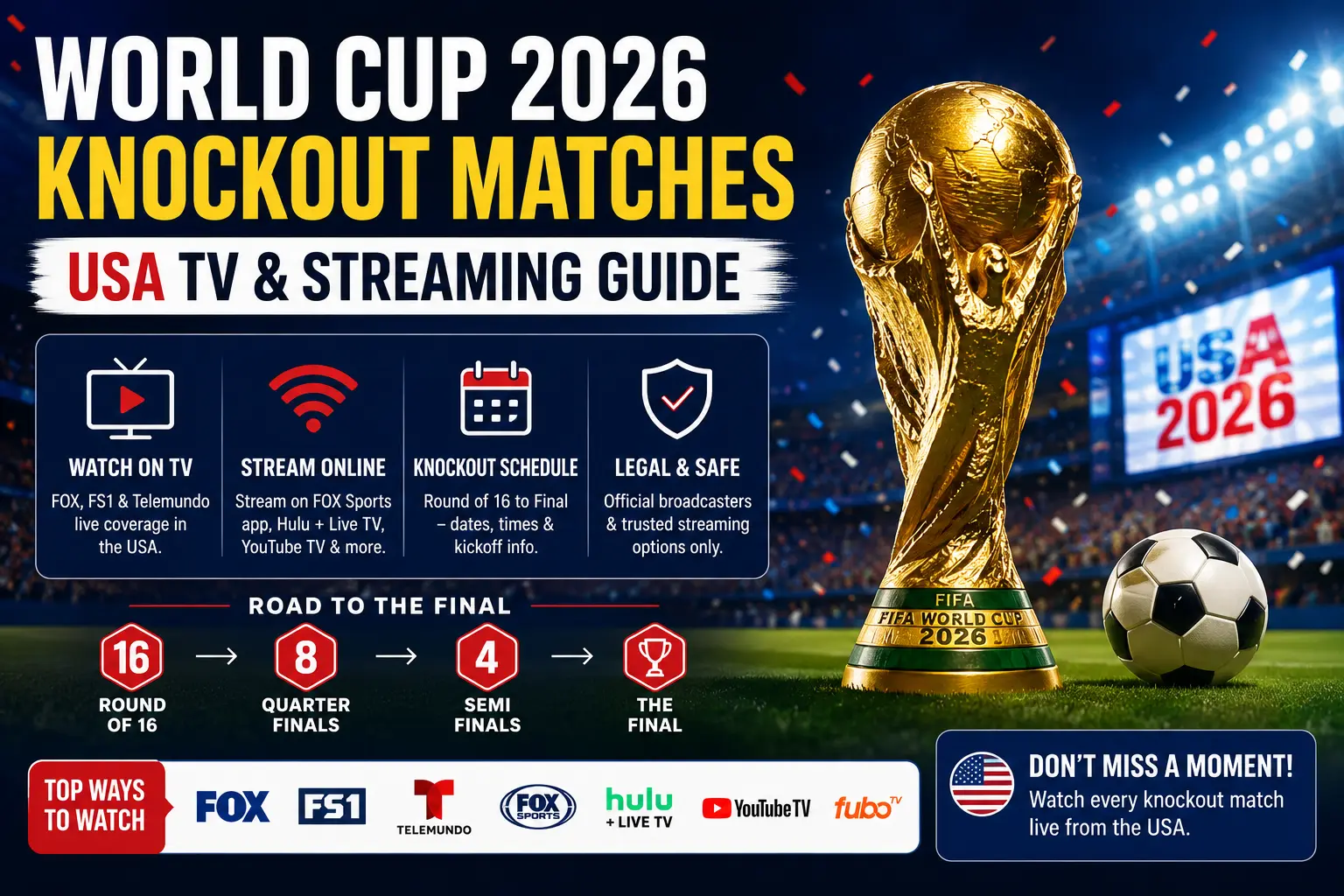
Why the knockout stage needs extra preparation
Group-stage viewing is flexible: one game can end, another begins, and many fans simply follow highlights. The knockout stage is different. A single error with the wrong app, expired login, weak Wi-Fi or incorrect time zone can make you miss the decisive minutes of a match. Because World Cup 2026 is hosted across the United States, Mexico and Canada, USA viewers also need to pay attention to Eastern, Central, Mountain and Pacific time listings.
The safest approach is to prepare your viewing setup before the knockout stage begins. Install the official apps, confirm your account, test live playback, check your device software and decide whether you want English or Spanish commentary. Doing this early is much easier than trying to fix a frozen screen five minutes before kickoff.
Official English-language options in the USA
For English-language coverage in the United States, start with FOX Sports. Matches are carried across FOX and FS1, with supported streaming through FOX One and the FOX Sports app. The exact network can change by match, so always confirm the latest official match listing before you make plans.
For many households, the main question is whether the match is on broadcast FOX, which may be available through a local TV package or antenna, or on FS1, which normally requires a live TV package or supported streaming plan. If you use a streaming app, open it before matchday and confirm that live channels load correctly.
Official Spanish-language options in the USA
Spanish-language viewers should check Telemundo, Universo, Peacock and the Telemundo App. Peacock is a major option for Spanish-language streaming, while Telemundo and Universo handle TV coverage depending on the match. The Telemundo App can also be useful for eligible users who prefer watching on mobile or supported streaming devices.
If your home is bilingual, decide before kickoff whether the living-room TV should use English commentary or Spanish commentary. This avoids switching apps during the match and reduces the risk of login errors. Some families keep one screen on English coverage and another on Spanish highlights or mobile updates, but the main TV should stay simple.
Knockout-stage schedule overview
World Cup 2026 uses an expanded 48-team format, which means the knockout phase begins earlier than many fans remember from previous tournaments. After the group stage, the Round of 32 leads into the Round of 16, quarterfinals, semifinals, third-place match and final. The bracket depends on final group positions and the best third-place qualifiers, so some matchups are confirmed only after group play ends.
For SEO and for real users, the important point is not to guess the opponent too early. Bookmark the official schedule, then use your local time zone and preferred broadcaster to create a personal match plan. If an article, social post or app shows a time that conflicts with the broadcaster guide, trust the official broadcaster or FIFA schedule first.
- Round of 32: the first knockout round after the group stage.
- Round of 16: the stage where every remaining team is two wins from the semifinals.
- Quarterfinals: high-demand viewing, especially when USA, Mexico, Brazil, Argentina, Spain, England or other major teams are involved.
- Semifinals and final: plan early, because apps and home networks often get heavy traffic during major events.
Try 4KSubs Free for 12 Hours First
Before choosing a plan, you can test 4KSubs on your Roku, Fire TV, Smart TV, Android box, phone or tablet. Check the channels, streaming quality and setup first, then continue only if it works well for you.
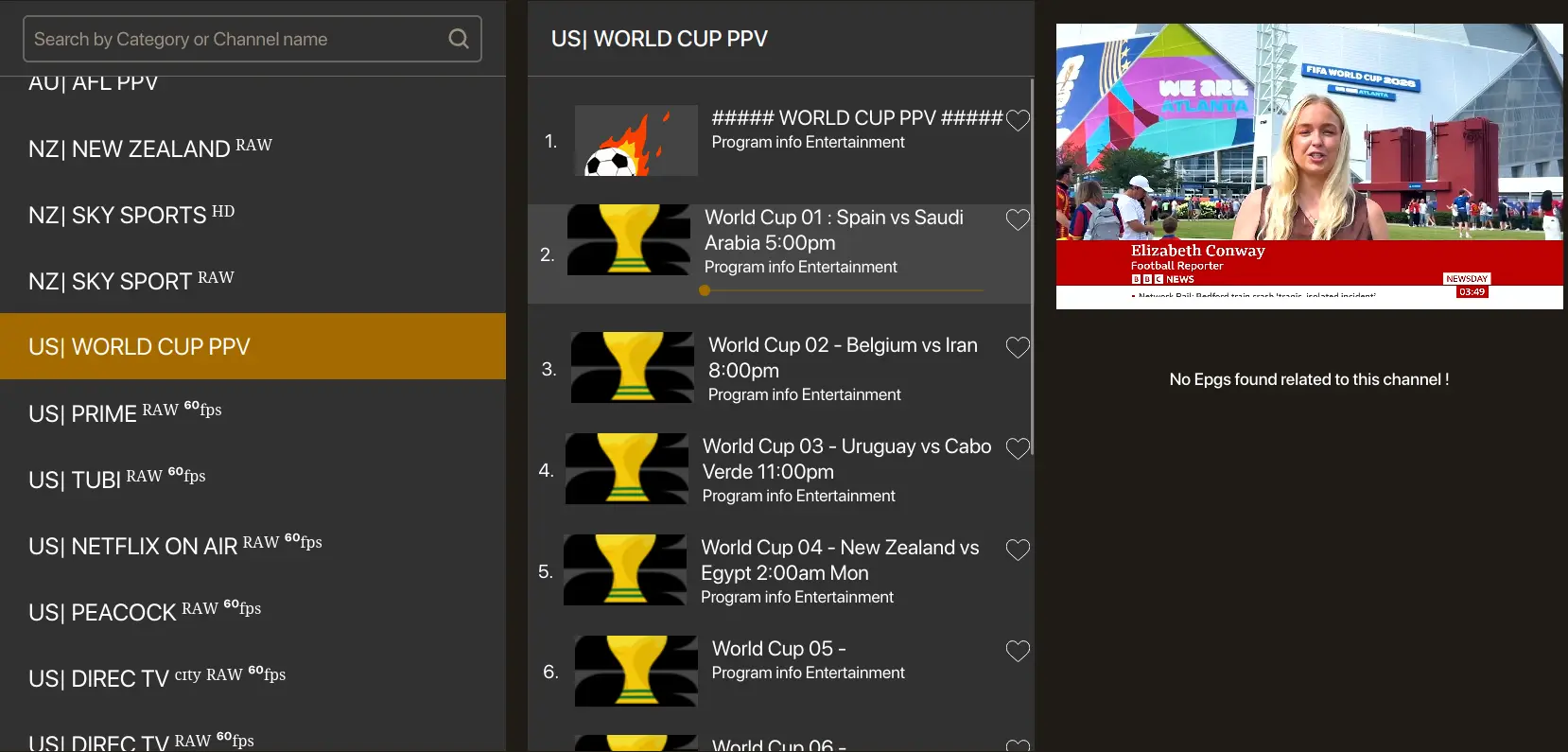
Roku checklist before kickoff
Roku is one of the easiest devices for live sports, but it still needs a clean setup. First, search for the official broadcaster app from the Roku home screen. Install the app, sign in, and test a live channel. Do not test only a short highlight clip, because on-demand clips can work even when live authentication fails.
- Go to Roku settings and check for a system update.
- Open the official app and confirm your login.
- Move the app near the top of your home screen.
- Restart the Roku once after installing updates.
- Use 5 GHz Wi-Fi or Ethernet if your Roku model supports it.
- Test live playback at least one day before the match.
If the app opens but the stream keeps buffering, compare another app on the same Roku. If every app buffers, the issue is probably Wi-Fi or internet congestion. If only one app buffers, update or reinstall that app.
For more detailed device preparation, read our Roku streaming setup guide for USA English and Spanish apps.
Fire TV checklist before kickoff
Amazon Fire TV devices are popular for sports because they are portable and work well on many TVs. The most common matchday problems are weak Wi-Fi, low storage, old app versions and people powering a Fire TV Stick from a weak TV USB port instead of the original power adapter.
- Use the original power adapter when possible.
- Check for Fire OS updates before the day of the match.
- Keep at least some free storage so apps can update correctly.
- Clear cache only for the specific app that is freezing.
- Restart the device after major updates.
- Open the broadcaster app and play a live channel before kickoff.
If your Fire TV is older and struggles with live HD sports, reduce background apps, restart your router and consider using a newer streaming device for the biggest matches. You can also use our Fire TV setup guide for English and Spanish streaming apps in the USA.
Smart TV setup: Samsung, LG, Google TV and older TVs
Smart TV app availability depends on model year, software version and region settings. A newer Samsung, LG, Google TV or Roku TV may support the official broadcaster app directly. Older TVs may load slowly, freeze, or no longer receive app updates. For knockout matches, reliability matters more than keeping the setup minimal.
If your Smart TV app works well, keep using it. If it is slow or missing the app you need, connect a Roku, Fire TV, Apple TV or Google TV device and use that instead. Avoid downloading unknown files or unofficial apps. Live sports are better watched through supported apps that receive updates and security fixes.
Bilingual homes can also create a simple app row: English sports app first, Spanish sports app second, replay/highlights app third, and settings fourth. This makes it easier for everyone in the house to find the right coverage quickly.
Time-zone planning for USA viewers
A match listed at 8 p.m. ET is not 8 p.m. everywhere. USA viewers should always convert kickoff to their local time. This is especially important for families on the West Coast, people working shifts, and fans watching matches from different host cities across North America.
- Eastern Time: often used in national TV schedules.
- Central Time: one hour behind Eastern Time.
- Mountain Time: usually two hours behind Eastern Time.
- Pacific Time: three hours behind Eastern Time.
The best habit is to add matches to your phone calendar using local time. Add an alert 30 minutes before kickoff and another alert two hours earlier if you need to update apps, charge remotes or prepare the TV.
How to reduce buffering during knockout matches
Live soccer is more demanding than movies because the stream needs to stay close to real time. If your connection drops, the app cannot always build a long buffer without delaying the match. This is why a movie might look perfect while a live match freezes during a busy evening.
Start with your home network. Put the router in an open place, use 5 GHz Wi-Fi when the TV is nearby, and use Ethernet for the main TV if possible. Pause console downloads, cloud backups and large phone updates during matches. If several people are streaming at the same time, choose one main screen for the match and move other devices to lower-quality streams.
If the picture freezes, do not immediately reinstall everything. First wait a few seconds, then switch quality to Auto, close and reopen the stream, and test another app. If all apps are slow, restart the router. If only one app is slow, check the app status, update it, or try the same service on another device.
For a full step-by-step order, see our guide to fixing streaming buffering on US home Wi-Fi.
Replays, highlights and spoiler control
Not every fan can watch live. Knockout matches may happen during work, school, travel or family time. If you plan to watch later, use official replay features when available. Some platforms offer full replays, match highlights, key plays and short vertical clips. Availability depends on the service, account and match rights.
Spoiler control is part of the setup. Turn off score alerts, mute team accounts, avoid sports home pages and be careful with smart TV thumbnails. Some apps show the final score on the replay tile. If you want a clean replay experience, open the match directly from the schedule or saved list instead of browsing the home page.
English + Spanish household setup
Many USA homes want both English and Spanish coverage. The easiest setup is to choose one language for the main TV and use a secondary device for the other language, highlights or social updates. This avoids changing apps during the match and makes the viewing experience smoother.
| Household need | Simple setup |
|---|---|
| English commentary on main TV | Prepare FOX, FS1, FOX One or FOX Sports app first. |
| Spanish commentary on main TV | Prepare Telemundo, Universo, Peacock or Telemundo App first. |
| Kids or family using another room | Use a second supported device with the same official service rules. |
| Replay after work | Save the match, disable score alerts and open replay directly. |
Matchday checklist
- Confirm the match, local kickoff time and language.
- Open the official app before the pre-match show.
- Check that your subscription or TV provider login still works.
- Update Roku, Fire TV or Smart TV software early in the day.
- Use Ethernet or strong 5 GHz Wi-Fi for the main screen.
- Pause large downloads and cloud backups.
- Test audio, captions and remote batteries.
- Keep a backup device ready, such as a phone, tablet or second TV.
Official sources to check before every match
- FIFA World Cup 2026 scores and fixtures
- FIFA World Cup 2026 knockout-stage schedule
- FOX Sports World Cup schedule and English viewing guide
- NBCUniversal Telemundo and Peacock Spanish-language viewing information
Try 4KSubs Free for 12 Hours First
Before choosing a plan, you can test 4KSubs on your Roku, Fire TV, Smart TV, Android box, phone or tablet. Check the channels, streaming quality and setup first, then continue only if it works well for you.
Frequently asked questions
The knockout stage starts with the Round of 32 after the group stage. Check FIFA and the official broadcaster schedule for final local kickoff times and match assignments.
FOX Sports is the English-language broadcaster in the United States, with matches across FOX and FS1 plus supported FOX streaming options.
Telemundo, Universo, Peacock and the Telemundo App provide Spanish-language coverage in the United States, depending on the match and account access.
Yes, if the official broadcaster app supports your device and your account or subscription meets the service requirements.
Live sports cannot build as much buffer as on-demand video because the stream needs to stay close to real time. Strong Wi-Fi, Ethernet and app testing before kickoff help reduce interruptions.
No. Unverified streams can be unsafe, unreliable or unlawful. Use authorised services available in the United States.