
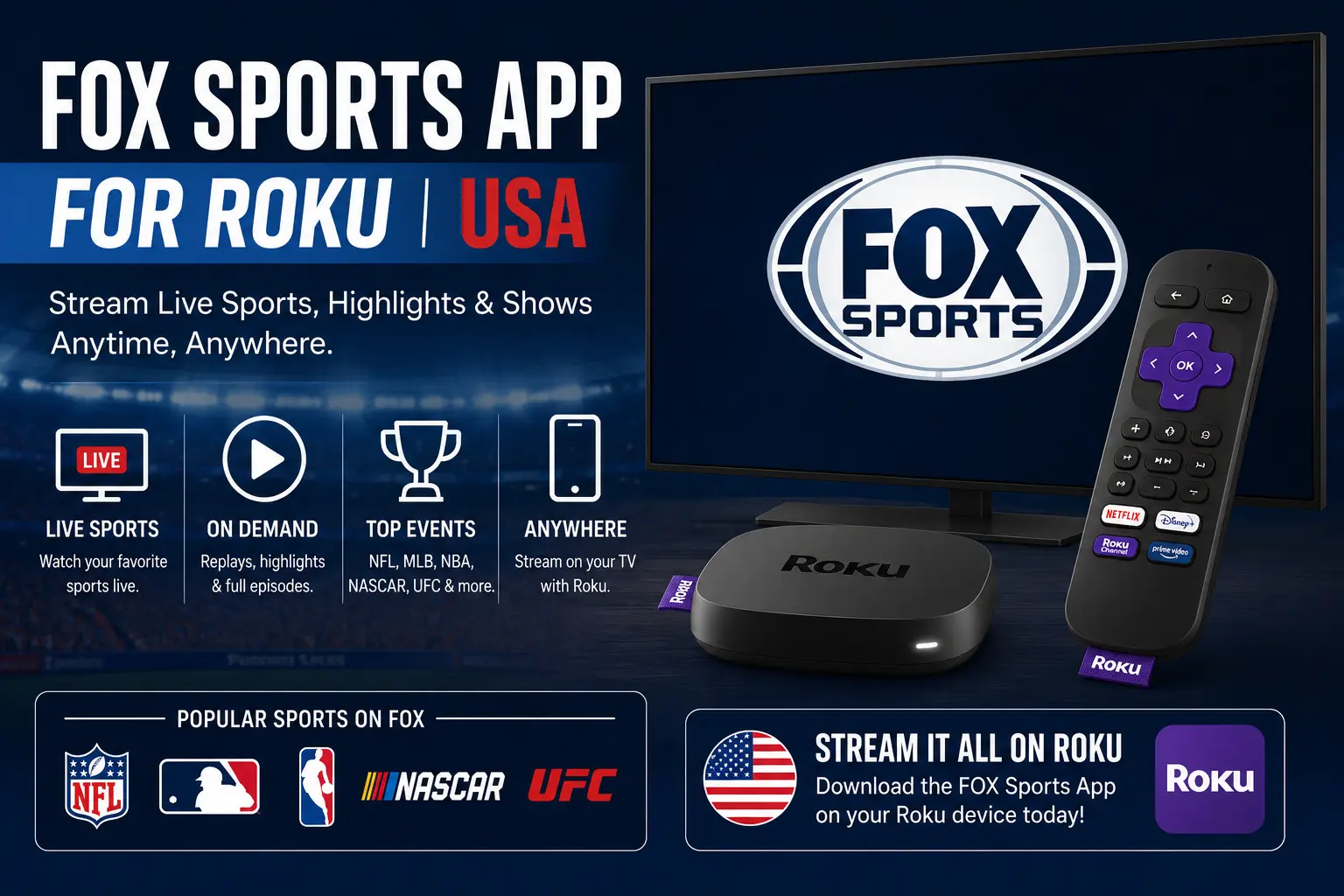
Quick answer: can you use the FOX Sports app on Roku?
Yes, Roku users in the United States can use official FOX streaming options on supported Roku devices, including FOX One where available and the FOX Sports app experience depending on account access. The important point is that the app itself is only part of the setup. Live sports access can depend on your TV provider, FOX account, subscription, supported device, location and the specific event you want to watch.
For World Cup 2026, FOX Sports announced that every match streams live and on-demand through FOX One and the FOX Sports app, with all 104 matches airing live across FOX and FS1. That makes Roku preparation important for USA households using Roku TV, Roku Streaming Stick or Roku Ultra as the main match-night device.
FOX Sports app for Roku: what you need before installing
Before you install anything, make sure your Roku device is connected to the internet and linked to your Roku account. You should also know which account you plan to use for live sports. Some viewers will sign in through a pay TV provider. Others may use FOX One if it is the streaming option they selected. The wrong account can cause a sign-in loop even when the app is working correctly.
- A Roku device or Roku TV connected to a stable home network.
- A Roku account so you can add apps/channels from the Roku interface.
- Your TV-provider login if the live stream requires provider authentication.
- A FOX One account if you plan to use FOX One instead of provider authentication.
- Your phone or laptop nearby for activation codes.
- Enough time before kickoff to update, sign in and test playback.
How to install FOX Sports or FOX One on Roku
The safest method is to use the official Roku interface or Roku Channel Store. Avoid random websites that claim to install or activate sports apps for you. They may ask for personal details, payment or activation codes that should only be entered through official pages.
- Press the Home button on your Roku remote.
- Go to Streaming Store or Search.
- Search for the official FOX app option you need, such as FOX One or FOX Sports if available on your device.
- Select the official app listing.
- Choose Add app or Add channel.
- Open the app after installation.
- Choose sign in, activate or provider login if the app asks for it.
If you cannot find the app from your Roku device, check whether your Roku model, region and software version are supported. Older devices may have limited app support or weaker live-video performance.
Try 4KSubs Free for 12 Hours First
Before choosing a plan, you can test 4KSubs on your Roku, Fire TV, Smart TV, Android box, phone or tablet. Check the channels, streaming quality and setup first, then continue only if it works well for you.
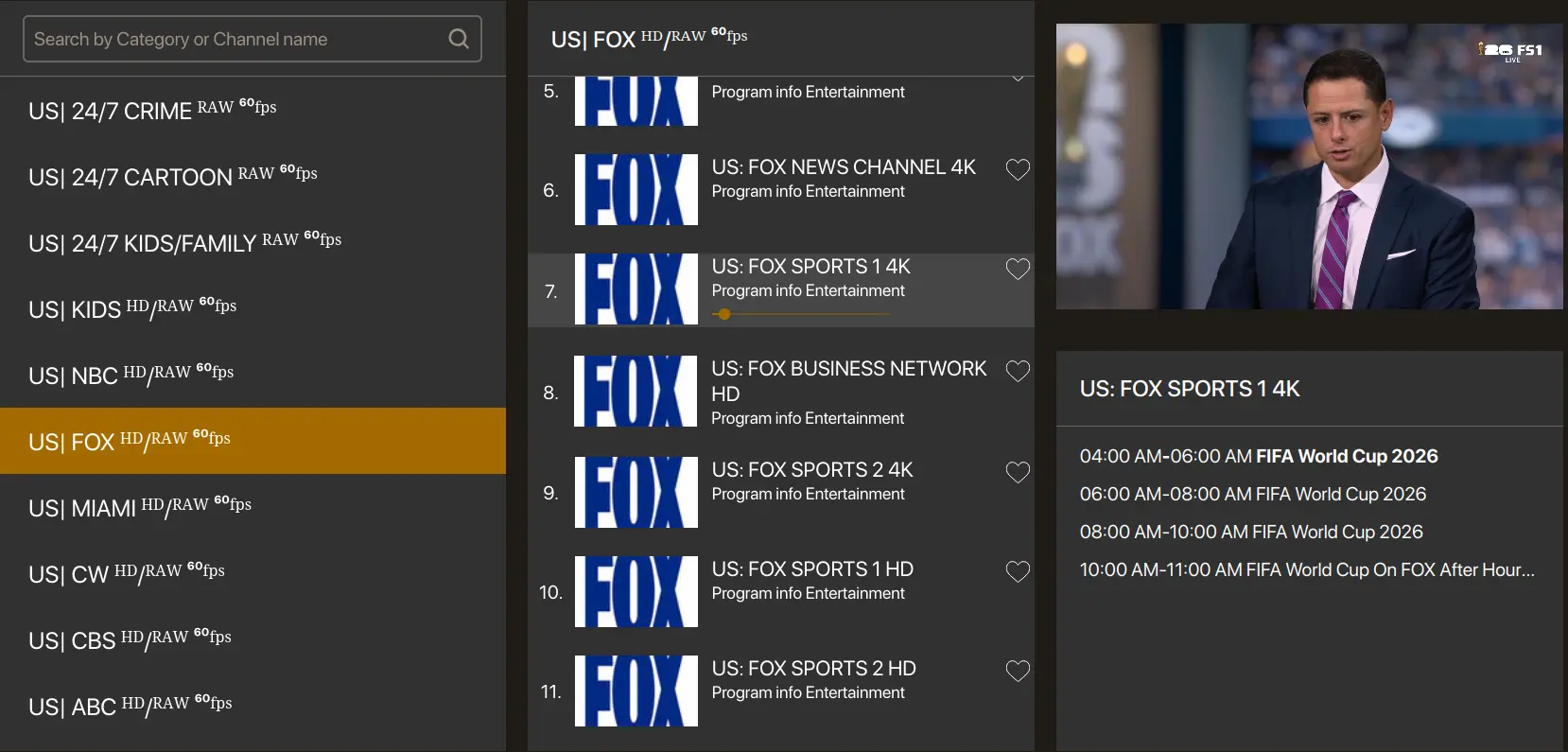
How to activate FOX Sports or FOX One on Roku
Activation normally means the app shows a code on your TV and asks you to enter that code on an official activation page using your phone or computer. This connects your Roku app with your FOX, FOX One or TV-provider account.
- Open the official app on Roku.
- Select Sign In, Activate or Connect TV Provider.
- Keep the activation code visible on your TV.
- On your phone or computer, go only to the official activation page shown by the app.
- Enter the code exactly as shown.
- Sign in with the required account or provider.
- Return to Roku and wait for the app to refresh.
If the code expires, generate a new code from the TV screen. Do not reuse old codes, and do not search Google for random activation pages. Fake activation pages are common around popular TV apps.
Do you need a TV provider?
Many FOX Sports live streams require a participating TV provider, even if the app is free to download. FOX’s provider access page explains that the FOX Sports app can be downloaded at no cost, but access may require a subscription with a listed pay TV provider. FOX One is a separate FOX streaming option, and availability depends on the account and supported device.
In simple terms: installing the app is not the same as having live sports rights. If you can open the app but cannot play a match, your account access may be the issue rather than Roku itself.
Best Roku settings for live sports
Live sports are more demanding than regular on-demand shows because the video must stay close to real time. A weak Wi-Fi connection can show up as buffering, blurry video, audio delay or repeated reloads. Before an important match, optimize the Roku setup first.
- Use 5 GHz Wi-Fi when the router is close to the Roku device.
- Use 2.4 GHz Wi-Fi only when range is more important than speed.
- Move the Roku stick away from the back of a hot TV if possible.
- Pause game downloads, cloud backups and large updates during live matches.
- Restart the router earlier in the day if your connection has been unstable.
- Open the app before kickoff so updates and logins do not surprise you.
FOX Sports app for Roku not working: fastest fixes
If the app does not work, do not reset the whole Roku device immediately. Start with simple fixes and move step by step. This protects your account and avoids deleting apps unnecessarily.
- Open another streaming app to confirm the internet works.
- Restart Roku from Settings if the menus feel slow.
- Check whether the FOX app needs an update.
- Sign out and sign back in if the app opens but refuses live video.
- Generate a fresh activation code if the old one fails.
- Restart your router if multiple apps are buffering.
- Remove and reinstall the app only after update and restart steps fail.
When to remove and reinstall the Roku app
Roku’s support guidance for removing apps explains the normal process from the home screen: highlight the app, press the star button on the remote, and choose the remove option. Reinstalling can help when an app installation is corrupted, but it can also sign you out. Make sure you know your login details first.
A good order is: restart Roku, update the app, test another app, then remove and reinstall. If every app fails, reinstalling FOX will not fix the real issue; troubleshoot the network instead.
Roku activation loop: why it happens
A repeated activation loop usually means the app cannot verify your account. This may happen if the activation code expires, your provider session is old, browser privacy tools block the activation page, or the provider subscription does not include the channel you are trying to watch.
- Use a fresh activation code.
- Open the activation page in a normal browser tab.
- Turn off VPN or privacy extensions temporarily if they block login.
- Confirm your provider account works on the provider website.
- Restart Roku after a successful activation if the app does not refresh.
Try 4KSubs Free for 12 Hours First
Before choosing a plan, you can test 4KSubs on your Roku, Fire TV, Smart TV, Android box, phone or tablet. Check the channels, streaming quality and setup first, then continue only if it works well for you.
World Cup 2026 on Roku in the USA
For USA viewers, FOX and FS1 are the English-language TV channels to check for World Cup 2026. FOX Sports announced 70 matches on FOX and 34 on FS1, with all matches streaming live and on-demand through FOX One and the FOX Sports app. Spanish-language coverage is separate, so bilingual households may also prepare Telemundo, Universo or Peacock depending on the match and account.
Roku is useful for big tournament nights because it keeps the TV experience simple. The weak point is preparation. If you wait until kickoff to install, update and sign in, a small login problem can cost you the first half.
FOX Sports app vs FOX One on Roku
The FOX Sports app and FOX One can overlap for sports viewers, but they are not always the same experience for every user. The FOX Sports app is often tied to TV-provider authentication for certain live streams. FOX One is FOX’s streaming service that brings FOX content into one subscription experience. The right option depends on your household access.
| Option | Best use | What to check |
|---|---|---|
| FOX Sports app | Live sports with eligible provider access | TV-provider login and channel rights |
| FOX One | FOX streaming in one app where supported | Subscription, device support and activation |
| FOX / FS1 via live TV service | Traditional channel access on Roku | Whether your live TV package includes FOX and FS1 |
Safety: avoid fake activation and “free stream” pages
Around major sports events, fake activation pages and fake live-stream pages become common. They may ask for your email, password, card details or activation code. Use only official app screens, official FOX pages and trusted Roku menus.
- Do not pay a third-party site to activate a free app.
- Do not share your TV-provider password with unofficial support pages.
- Do not install unknown private channels promising free live sports.
- Do not enter activation codes on pages that do not match the app instructions.
4KSubs free test for device setup
4KSubs offers a free test so USA viewers can check device compatibility, channel list, stream quality and support before choosing a plan. Use the test to confirm whether your Roku household setup, Smart TV, Fire TV, Android TV, phone or tablet works well for your viewing needs.
This is separate from official broadcaster accounts, TV-provider subscriptions and sports rights. Always use official broadcasters for final match schedules, account access and event rights.
Related 4KSubs guides
- FOX Sports App Not Working on Roku or Fire TV? USA Fix Guide
- Roku Streaming Setup Guide for USA Viewers
- How to Watch World Cup 2026 in the USA: English and Spanish Guide
- How to Fix Streaming Buffering on US Home Wi-Fi
- Fire TV Setup for English and Spanish Apps in the USA
Official sources
- FOX Sports World Cup 2026 broadcast schedule announcement
- FOX Sports: find a pay TV provider
- Roku Channel Store: FOX One
- Roku Support: remove apps from Roku
- FOX One activation page
Frequently asked questions
Yes. Roku users can use supported official FOX streaming options, including FOX One where available and the FOX Sports app experience depending on account access and device support.
The app may be free to download, but many live streams require a participating TV provider or supported FOX streaming account.
Open the official app on Roku, choose sign in or activate, then enter the code shown on your TV using the official FOX activation page or the instructions displayed by the app.
Buffering can come from weak Wi-Fi, slow internet, too many devices on the network, an outdated app, or a Roku device that needs a restart.
FOX Sports announced that all 104 matches air live across FOX and FS1, with streaming through FOX One and the FOX Sports app. Availability still depends on your account and supported device.
Yes. 4KSubs offers a free test so you can check device compatibility, channel list and streaming quality before choosing a plan.