
Quick answer: check access before blaming Roku
Start by confirming that the channel or event is part of your Fubo account and available in your location. Fubo support explains that common streaming issues can often be fixed with basic troubleshooting, while Fubo also publishes device-support rules for Roku and other platforms. If FOX or FS1 is missing, first separate a channel-access problem from a Roku playback problem.
Open Fubo early, test another live channel, restart Roku, check for updates, and move the device closer to the router or use Ethernet through a compatible adapter if your setup supports it. Do not remove the app until you know your login details and have confirmed that the issue is not a temporary service or channel-availability message.
Try 4KSubs Free for 12 Hours First
Before choosing a plan, you can test 4KSubs on your Roku, Fire TV, Smart TV, Android box, phone or tablet. Check the channels, streaming quality and setup first, then continue only if it works well for you.
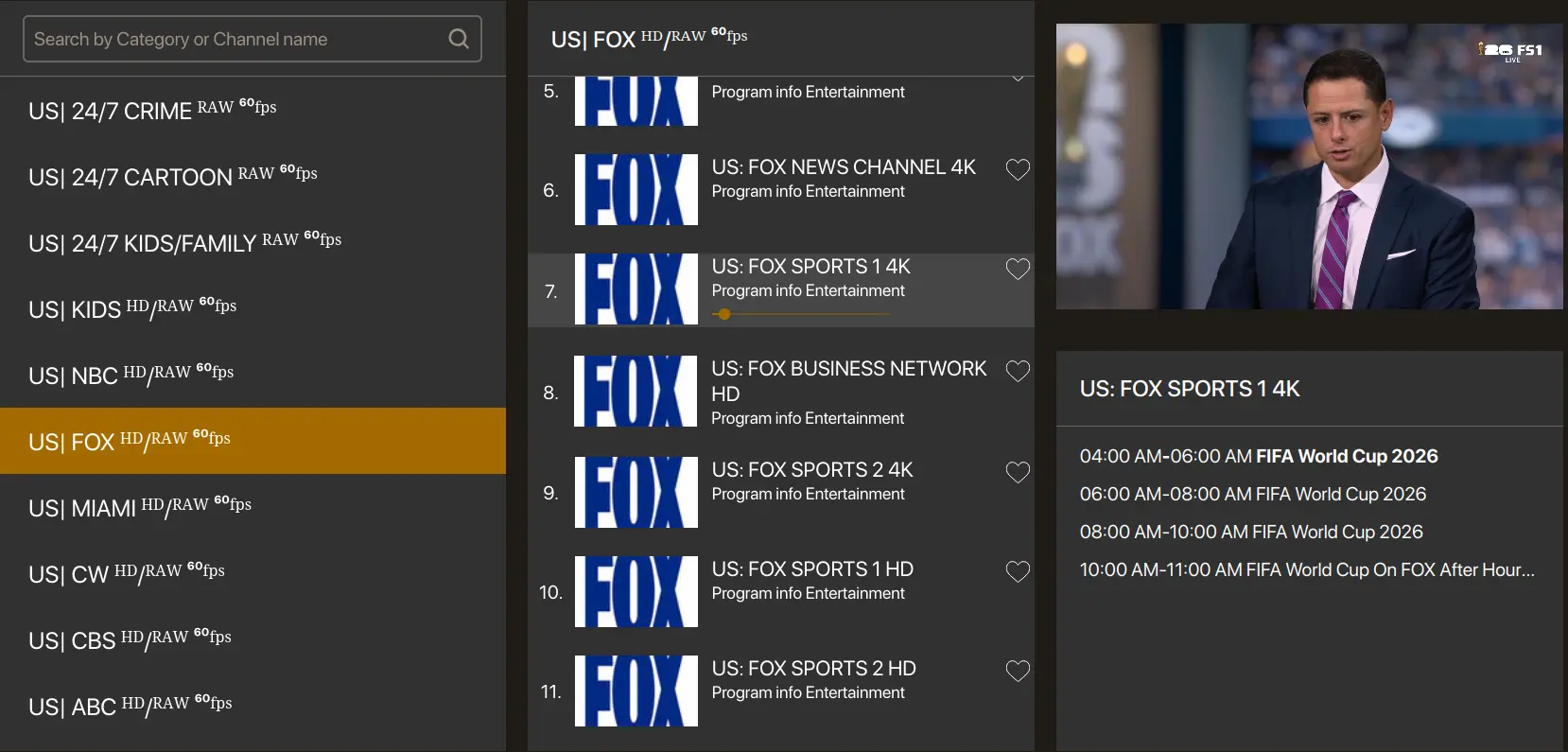
Why FOX or FS1 may be missing on Fubo
A missing channel is different from a frozen video. Missing channels can happen because of plan, local-market availability, temporary guide filters, account status or a rights limitation. Playback failures can happen even when the channel is available, usually because of Wi-Fi, app cache, an old Roku build or too many devices using the home network.
Check the Fubo guide carefully and search the channel name. If other channels play but one live sports channel does not, review your Fubo plan and support messages before reinstalling Roku. If every live channel buffers, focus on the connection and device.
Roku checklist before a live game
Use this order because it is fast and low-risk: confirm the correct Fubo profile, check the channel in the guide, restart Roku from Settings, check for system updates, update the Fubo channel if available, test another live channel, restart the router if all apps struggle, and reduce downloads on other devices. If only Fubo fails, reinstalling the Fubo app is a later step after restart and updates.
Older devices can also be the problem. Fubo states that its app works with Roku devices that can still receive OS updates from Roku. If a very old Roku cannot update, the fix may be a newer streaming device rather than repeated app reinstallations.
- Open the app early, not at kickoff.
- Confirm your account and plan access.
- Restart the streaming device.
- Update the app and device software.
- Test another live or on-demand item.
- Use stronger Wi-Fi or Ethernet where possible.
Buffering, black screen and audio-only problems
A black screen can mean the app loaded but the video player failed. Audio without picture can point to a player or device issue. Buffering can be caused by weak Wi-Fi, overloaded home internet, old firmware or temporary server demand during major matches. Restart the app and Roku first, then test another app. If Netflix, YouTube or another live app also buffers, troubleshoot the network instead of only Fubo.
For live sports, open the stream before kickoff. Apps often request updates, location checks or account revalidation right when many viewers are trying to watch. Opening Fubo 30 to 60 minutes early gives you time to fix those issues.
When to use another device
If your Roku is old, hot, slow or stuck in repeated crashes, test Fubo on a phone, tablet, web browser, Fire TV, Apple TV or another supported device. The goal is not to change your viewing habit forever; it is to identify whether the problem is the Roku device or the Fubo account/channel path.
A simple HDMI backup from a laptop can save a match night if the Roku app will not recover in time. Test that path before the live event.
Try 4KSubs Free for 12 Hours First
Before choosing a plan, you can test 4KSubs on your Roku, Fire TV, Smart TV, Android box, phone or tablet. Check the channels, streaming quality and setup first, then continue only if it works well for you.
Related 4KSubs guides
- FOX Sports App for Roku: Install and Activate
- YouTube TV FOX or FS1 Not Working on Roku?
- Telemundo App Not Working? USA Spanish Fix
- Fix Streaming Buffering on US Home Wi-Fi
Official sources
Frequently asked questions
Common causes include channel availability, account access, an outdated Roku channel, weak Wi-Fi, or an older Roku device that cannot receive current updates.
Fubo says its app is compatible with Roku devices that can still receive OS updates from Roku.
A missing or locked channel can be related to plan, location, guide filters, temporary availability or account status, so confirm access before reinstalling the app.
Only after checking channel access, restarting Roku, updating the app and confirming that other apps work normally.
Yes. 4KSubs offers a free test so viewers can check device compatibility, channel list and streaming quality before choosing a plan.