
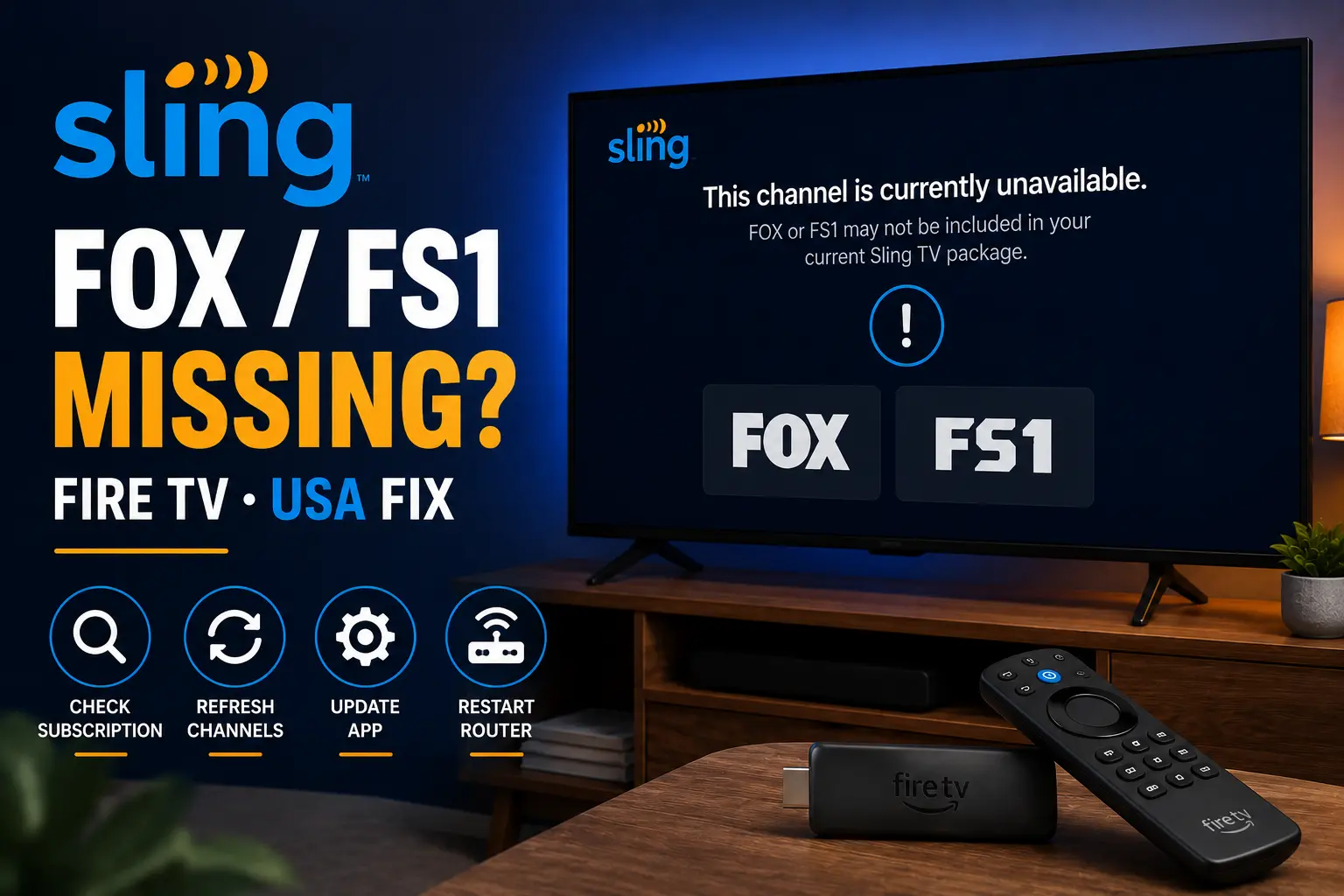
Quick answer: missing channel or broken app?
A missing channel and a broken app need different fixes. Sling support tells users to make sure they are signed in, check that the guide is not filtered, and verify that the channel is available. If the channel exists but playback fails, then move to app and device troubleshooting.
On Fire TV, begin by closing Sling, reopening it, checking your account, then restarting the Fire TV device. If several apps fail, restart the router and reduce network load.
Try 4KSubs Free for 12 Hours First
Before choosing a plan, you can test 4KSubs on your Roku, Fire TV, Smart TV, Android box, phone or tablet. Check the channels, streaming quality and setup first, then continue only if it works well for you.
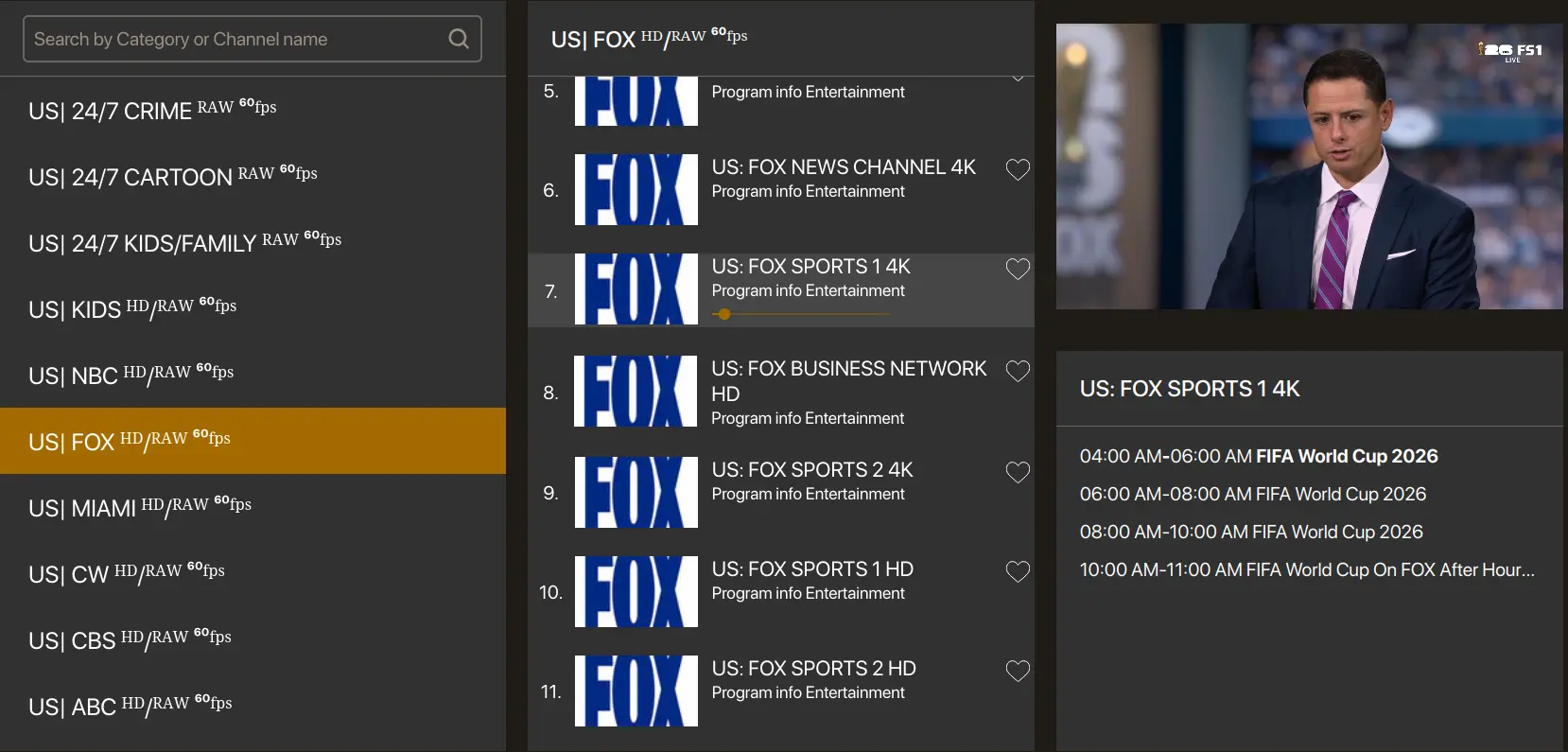
Check Sling guide filters and package access
Guide filters can make a channel look missing when it is simply hidden from the current view. Search for the channel name, clear filters, and check whether your plan or add-on includes the channel. Local FOX availability can depend on market and package, while FS1 and sports channels can depend on your Sling plan.
If Sling shows a locked icon, the fix is usually account or package related. Restarting Fire TV will not unlock a channel that is not included in your current plan.
- Open the app early, not at kickoff.
- Confirm your account and plan access.
- Restart the streaming device.
- Update the app and device software.
- Test another live or on-demand item.
- Use stronger Wi-Fi or Ethernet where possible.
Fire TV restart and cache steps
If access looks correct but the stream will not play, use Fire TV settings. Force stop the Sling app, reopen it, then restart Fire TV from Settings. If the app keeps freezing, clear cache before clearing data. Clearing data can sign you out, so use it only when you are ready to log in again.
Storage matters too. If the Fire TV Stick is nearly full, apps may crash during live streams. Remove unused apps and restart before important events.
Buffering on Sling TV during live sports
Sling support recommends basic troubleshooting such as restarting your modem and router. For live sports, reduce home network traffic before kickoff: pause game downloads, cloud backups and 4K streams on other devices. Use 5 GHz Wi-Fi near the router or Ethernet when possible.
If Sling buffers but other apps are smooth, the issue may be app or account specific. If every app buffers, focus on Wi-Fi, router placement and ISP speed.
What not to do before kickoff
Do not factory reset Fire TV because one channel is missing. Do not change router settings you do not understand during the match. Do not enter account details into random support websites. Work from simple checks to stronger fixes: account, guide, restart, cache, reinstall only if necessary.
A backup device should be ready before game time. Test Sling on your phone, tablet, browser or another streaming device if Fire TV keeps failing.
Try 4KSubs Free for 12 Hours First
Before choosing a plan, you can test 4KSubs on your Roku, Fire TV, Smart TV, Android box, phone or tablet. Check the channels, streaming quality and setup first, then continue only if it works well for you.
Related 4KSubs guides
- FOX Sports App for Roku: Install and Activate
- YouTube TV FOX or FS1 Not Working on Roku?
- Telemundo App Not Working? USA Spanish Fix
- Fix Streaming Buffering on US Home Wi-Fi
Official sources
Frequently asked questions
It can be a guide filter, package access, local availability, account status or temporary channel issue. Check access before troubleshooting the Fire TV device.
Force stop the app, reopen it, restart Fire TV, clear cache if needed, and check Wi-Fi or router stability.
Clear cache first. Clear data only if you are ready to sign in again because it can reset app storage.
Live sports buffering often comes from weak Wi-Fi, router congestion, app issues or many devices using the same network.
Yes. 4KSubs offers a free test so viewers can check device compatibility, channel list and streaming quality before choosing a plan.